



Securing premium security hardware requires both technical diligence and smart financial planning. Securing an authentic safefort voucher allows property owners to reduce the initial outlay on certified cash safes, heavy-duty door locks, and lithium battery cabinets. Utilizing a valid safefort voucher ensures you acquire high-grade protection without exceeding your allocation.
Table of Contents
- Prerequisites, Time, and Difficulty Rating
- Did You Mean Safe Voucher? Clarifying Common Search Intent
- Step 1: Identify Your Specific Safefort Voucher Category
- Step 2: Verify the Authenticity of Your Voucher Code
- Step 3: Prepare Your Account and Shopping Cart on Official Portals
- Step 4: Enter and Apply the Voucher Code at Checkout
- Step 5: Confirm Eurograde and Insurance Qualifications Before Purchase
- Troubleshooting Common Safefort Voucher Errors at Checkout
- Frequently Asked Questions About Security and Safety Vouchers
However, online searches for these discounts frequently lead to confusion. Search algorithms often mix the term "Safefort" with generic vault fortification terms, industry security ratings, or unrelated financial rewards. This digital overlap often redirects buyers toward expired discount links or irrelevant product pages.
Distinguishing authentic vendor offers from generic web listings protects both your schedule and your capital. Legitimate security promotions typically yield direct price adjustments, percentage savings, or complimentary UK freight for heavy inventory. Industry retail metrics indicate that verified codes deliver average savings between 10% and 15% on qualifying orders.
Preparing your order specifications in advance ensures a smooth redemption process at checkout.
Prerequisites, Time, and Difficulty Rating
Applying your promotional discount requires minimal effort when your shopping cart is properly configured. You do not need technical expertise to validate and redeem these offers. Gathering your purchasing details early streamlines the payment workflow.
- Estimated Time: 5 to 10 minutes
- Difficulty Rating: Easy (Beginner level)
- Required Items: An active email address, access to an online cart, your chosen security hardware, and a verified promotional code string.
Before applying any discount code, review your basket contents carefully. Most commercial security promotions require a minimum purchase threshold. Furthermore, specific reductions apply exclusively to distinct lines, such as fireproof document safes or digital access locks.
Pro tip: Copy and paste your code directly into the checkout field to eliminate formatting or spacing errors.
Categorizing your specific promotion prevents checkout errors, as outlined below.
Did You Mean Safe Voucher? Clarifying Common Search Intent
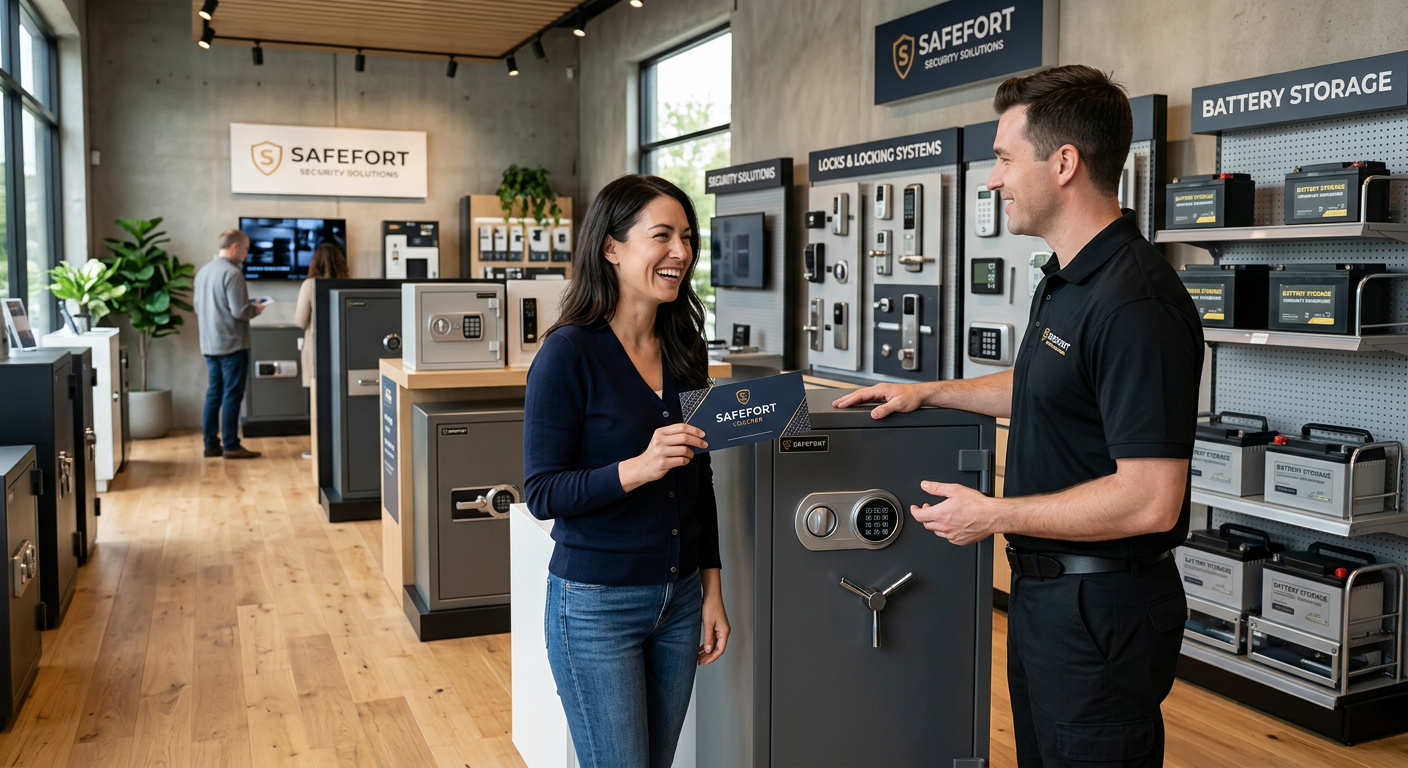
Broad searches for a safefort voucher frequently return conflicting results online. Search engines often blur the line between physical vault hardware, professional compliance credentials, and institutional financial perks. Understanding these distinctions ensures you locate the exact code required for your purchase.
1. Security Safes and Vault Hardware
If you are purchasing physical protection, you likely require promotional codes for heavy-duty safes. Property owners regularly search for fort-grade security solutions to safeguard physical cash, fine jewelry, or vital legal titles. Retail security metrics show that verified seasonal promotions reduce retail equipment costs by 10% to 20%.
2. Accredited Safety Training Courses
Alternatively, your search query may relate to accredited safety education modules. Industry bodies issue training vouchers for workplace safety credentials, site health compliance, and hazardous materials handling. If your promotional code features course reference numbers or student identifiers, it applies to an educational portal rather than hardware retail.
3. Financial and Credit Union Rewards
Finally, regional credit unions and payment institutions occasionally distribute promotional tokens under similar names. These financial incentives usually apply to new account sign-ups, loan interest adjustments, or member reward programs.
Follow these practical steps to verify your voucher type:
- Check the code layout: Retail safe codes typically use simple terms like SAFE10 or FORT15.
- Review your confirmation email: Look for an established security retailer logo or an accredited training organization.
- Verify your shopping basket: Enter the code at checkout prior to submitting payment credentials.
Pro tip: Always check the active window on your voucher. Retail safe promotions and training credentials often expire within 30 to 60 days of issue.
Identifying your precise code type allows for smooth redemption on official portals.
Step 1: Identify Your Specific Safefort Voucher Category
Estimated time: 2 minutes
Confirming your product scope prevents execution failures at checkout. Many buyers search for a safefort voucher when sourcing Grade 1 cash safes, high-security deadbolts, or occupational safety courses. Attempting to use a course credential on a hardware store cart triggers instant system rejections.
First, inspect the header text on your digital voucher or physical voucher card. Take note of the issuing merchant and the designated product category. Tangible hardware promotions apply exclusively to items like certified cash safes, electronic locks, and fireproof document cabinets.
Conversely, professional safety passes apply solely to online learning management systems and compliance testing. Industry research indicates that over 60% of code failures stem from mistaking online course credits for physical hardware coupons. If your documentation references module codes or exam retakes, it belongs to a training portal.
Next, analyze the string structure and terms. Physical security codes favor short alphanumeric strings like "SAFE15" or "LOCK2026". Educational training keys feature extended reference numbers or student tracking codes. Always inspect the terms for freight allowances and weight parameters.
Pro tip: Examine the domain extension on your confirmation documentation. Web addresses pointing to established locksmiths indicate hardware sales, while learning portals signify educational passes.
After confirming your category, proceed to verify the code's authenticity.
Step 2: Verify the Authenticity of Your Voucher Code
Estimated time: 3 minutes
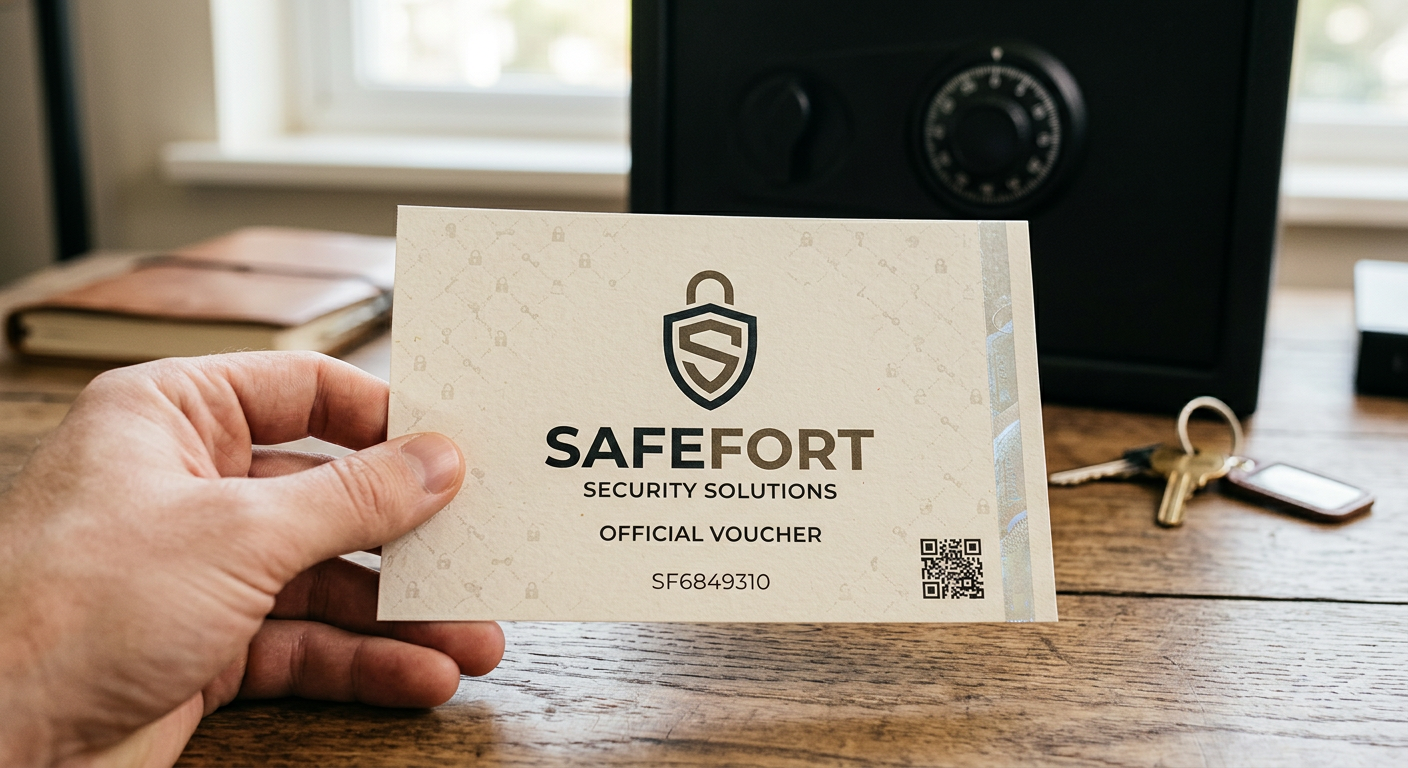
Before applying any safefort voucher inside your cart, verify its provenance. Coupon aggregators and pop-up sites frequently display deprecated codes. In worse scenarios, malicious portals use fake discount claims to harvest personal financial data.
Follow these practical steps to evaluate code authenticity:
- Inspect the browser address bar carefully for typos or unusual domain extensions.
- Ensure the merchant displays full promotional terms and clear expiration dates.
- Test the promotional string directly in your cart without downloading third-party browser extensions.
Guidance from the UK National Cyber Security Centre emphasizes that reputable security retailers never demand software downloads or marketing surveys to reveal discount strings.
If a site requests a telephone number or advance credit card details to unlock a code, leave that page immediately. Authentic promotional codes for cash safes apply seamlessly inside your standard cart interface.
Pro tip: Type the retailer URL directly into your address bar rather than clicking unverified email links or forum threads.
With a verified code in hand, you are ready to prepare your account.
Step 3: Prepare Your Account and Shopping Cart on Official Portals
Estimated time: 4 to 6 minutes
Establishing your user account early prevents session timeouts and cart glitches during payment processing. Premium security stockists routinely limit high-value trade discounts to registered customer profiles. Completing registration beforehand keeps your transaction secure and efficient.
- Navigate to the official merchant site.
Open a secure browser window and visit the verified merchant page. Confirm the presence of the padlock icon in your address bar to ensure encrypted communication.
- Establish your customer profile.
Select the account creation option on the homepage. Input a valid primary email address and create a robust password. Supply your accurate UK billing details to prevent identity verification flags later.
- Add qualifying security hardware to your cart.
Select your required security equipment, such as an EN-certified safe or secure door locking systems. Check specifications carefully to ensure alignment with your insurance policy requirements.
- Confirm minimum spend thresholds.
Open your cart summary to evaluate your subtotal. Many specialized discount codes mandate a minimum order value, such as £150, to activate the reduction. Ensure your cart meets these baseline requirements.
- Maintain your active cart session.
Keep your browser tab open while preparing your promotional code. Retaining an active session reserves your stock items and prevents inventory changes during checkout.
Pro tip: Always log into your primary user account before entering your safefort voucher code. Guest checkouts frequently bypass promotional fields or calculate commercial trade discounts incorrectly.
Once your cart is ready, applying your discount is the final step.
Step 4: Enter and Apply the Voucher Code at Checkout
Estimated time: 2 minutes.
Applying your discount code correctly ensures you lock in savings on your security hardware without payment hiccups. Follow these simple steps to complete your transaction smoothly.
- Copy the code string. Highlight the exact promo code from your source. Copy it directly to your clipboard to eliminate manual keying errors.
- Access your cart. Open your cart summary and review the selected items. Ensure every item meets the promotional terms.
- Locate the promotional input field. Find the text box marked "Voucher Code," "Promo Code," or "Discount String." This field typically sits on the right side of the checkout summary, directly above your subtotal.
- Paste and apply your safefort voucher. Paste the exact code into the field and click "Apply." Allow the platform a few seconds to recalculate your total balance.
- Review the adjusted total. Confirm that the price reduction reflects the advertised offer correctly. Ensure VAT and heavy-freight shipping charges calculate accurately prior to submitting payment.
Pro tip: If your code returns an error, verify your cart currency. Applying a GBP discount string to an international currency cart triggers platform errors. Match your currency settings to the offer terms and retry.
Beyond immediate price cuts, you must also verify compliance standards.
Step 5: Confirm Eurograde and Insurance Qualifications Before Purchase
Estimated time: 3 minutes
Before using a safefort voucher to finalize your order, verify that the safe satisfies your insurance policy criteria. Saving money on initial hardware offers little value if the installed unit fails to meet underwriter requirements.
High-security safes across the UK undergo rigorous testing under European standard EN 1143-1. Certification assigns a Eurograde rating spanning Grade 0 through Grade 6. Each grade dictates a specific cash rating and valuable asset cover limit.
For example, a Eurograde 0 rating provides up to £6,000 in cash cover or £60,000 for valuables. Stepping up to Eurograde 1 increases these limits to £10,000 cash or £100,000 for valuables. Grade 3 units protect up to £35,000 in cash and £350,000 in high-value personal assets. Whether you are buying security safes in London or elsewhere in the UK, evaluating these grades is essential.
Follow these practical steps to ensure complete policy compliance:
- Examine the technical specification for certified EN 1143-1 or EN 14450 ratings.
- Consult your insurance broker to confirm the required cash rating before buying.
- Check whether your insurer mandates professional floor anchoring for valid coverage.
Underwriters look for certification plates from recognized testing bodies, including ECB-S and the European Security Systems Association. Installing an unrated unit risks claim denial following a forced entry event.
Pro tip: Take a clear photograph of the official certification badge fixed to the inner door panel upon installation. Keep this image with your purchase receipt for seamless insurance audits.
Even with valid codes, technical issues can arise, so let us troubleshoot potential errors.
Troubleshooting Common Safefort Voucher Errors at Checkout
Applying a discount code should remain straightforward. However, entering a promotional code or a safefort voucher can occasionally yield a system error. Checkout platforms usually reject codes for four specific reasons. Follow these guidelines to resolve issues quickly.
1. Check the Expiration Date
Promotional codes carry strict validity windows. If your code fails, review the active date range in the terms. Seasonal promotions often terminate precisely at midnight. If the code has expired, clear the input box and use an active promotion.
2. Verify Minimum Spend Limits
Vouchers frequently require a minimum subtotal before activating. For example, an offer might require a £150 spend to grant a £20 reduction. Delivery costs and taxes rarely count toward this requirement. Adding small hardware items, such as anchor bolts or key blanks, helps reach the threshold.
3. Review Product Exclusions
High-grade physical security equipment often operates on slim profit margins. Heavy fireproof safes, specialized electronic locks, and clearance stock are frequently excluded from sitewide discounts. Furthermore, specialized freight transport costs are rarely covered by promotional codes. Review offer details to ensure product eligibility.
4. Check Regional Restrictions
Promotional discounts often enforce geographic limitations. Standard UK mainland promo codes typically exclude offshore islands or overseas territories. Freight carriers charge higher rates for remote locations, leading retailers to restrict discounts in those postcodes. Ensure your shipping address satisfies geographic criteria.
Pro tip: Clear your browser cache or open an incognito browser window if a valid code fails. Stored session data can cache outdated promotional parameters and block active discounts. Estimated fix time: 2 minutes.
Take a screenshot of your cart if errors persist. Reach out directly to customer support. Most security suppliers will verify active promotional codes and apply the discount manually to your account.
To help you further, here are answers to common voucher questions.
Frequently Asked Questions About Security and Safety Vouchers
How long does a Safefort voucher or discount code stay valid?
Most promotional codes for physical safes and electronic lock systems remain active for 30 to 90 days. Flash promotional events, however, may expire within 48 hours. Always review the terms attached to your offer. Standard vouchers apply strictly to hardware, excluding professional installation or heavy freight fees.
Can you stack multiple promo codes on a single order?
E-commerce checkout portals generally permit only one promotional code per transaction. If you possess a safefort voucher alongside a sitewide seasonal code, evaluate both options. Select the single string that delivers the highest financial reduction. Occasionally, retailers permit combining percentage discounts with free shipping offers.
Do trade professionals receive special discounts on security hardware?
Yes. Locksmiths, commercial contractors, and security engineers frequently qualify for dedicated trade accounts. Verified commercial buyers typically receive 5% to 15% discounts on bulk hardware orders. Registration generally requires providing a valid VAT number or trade credit reference.
Pro tip: Apply for trade status at least two business days prior to placing urgent client orders.
How do you find official and verified safety discount codes?
Avoid generic coupon aggregators that display expired or inaccurate strings. The most reliable method involves subscribing to an official supplier newsletter. Security retailers frequently issue welcome discounts to new email subscribers. You can also monitor verified social channels during key holiday sales events.
What should you do if your voucher code is not working at checkout?
First, verify that you entered the string accurately without unwanted spaces. Ensure your shopping cart meets the minimum spend requirements for the offer. Confirm that your selected items are not on the excluded category list. If errors persist, contact merchant support prior to authorizing payment.
About This Article
Editorial Disclosure: This article was researched and written by our content team to provide helpful, accurate information about safefort voucher. We regularly review and update our content to reflect the latest industry developments and best practices.